What your team gets · 01
Equipment and reference map
The selected identity fields, authoritative record locations, approved document sources, revision rules, and responsible owners.
Organize permitted equipment records and approved references into a review packet, with identity, document revision, and unresolved technical questions clearly separated.
Equipment businesses, diagnostic teams, and technical operations leads preparing records for service review.
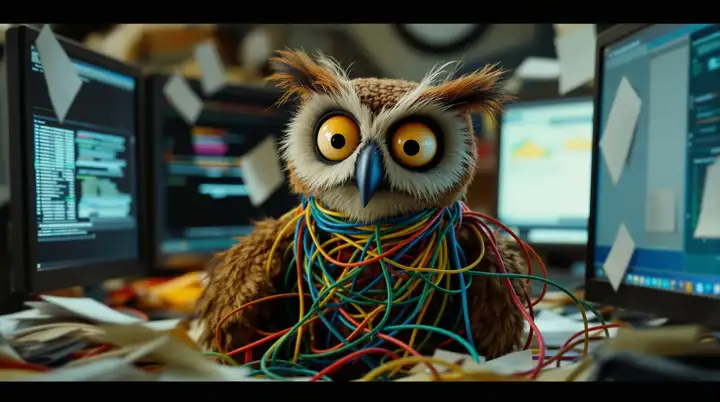
A service request begins with an equipment reference, but the supporting records are scattered. A familiar model name points to several documents. A copied attachment has lost its revision context. Technical staff have to reconstruct the record set before evaluating the actual question.
We build the preparation around equipment identity and the references your team approves. The packet should make it easier to locate the relevant records and harder to mistake an uncertain association or older document for an accepted technical fact.

Start with one defined piece of work. Make the useful change, test it with the people who use it, and leave a clear operating handoff.
Agree the identifiers, model and variant fields, record owners, and permitted source systems for one recurring preparation task.
Gather the relevant equipment history and document links from the selected sources. Keep the identifier basis, document title, revision, and source location with the prepared item.
Flag missing documents, uncertain equipment associations, competing revisions, and conflicting values. Preserve the original observations rather than merging them into a guessed clean record.
Present the source-linked packet and open questions to the responsible technical staff. Record their accepted associations and follow-up instructions through the agreed operating process.
The selected identity fields, authoritative record locations, approved document sources, revision rules, and responsible owners.
A consistent view of the relevant records, document references, source context, and the service question being investigated.
Uncertain identity, missing references, revision conflicts, and contradictory records, grouped by the decision the technical reviewer needs to make.
The procedure for refreshing the packet, preserving accepted technical overrides, correcting references, and handling unavailable source material.
A request identifies an equipment model and a partially recorded serial reference. The approved library contains documents for more than one variant, and a previous attachment shows a different revision.

We inspect its actual structure, permissions, identifiers, and available access methods. The scope can improve the existing library before adding a custom connection.
The preparation job organizes records and open questions. Technical staff retain diagnosis, applicability, safety judgments, and authorization for service instructions or official changes.
The packet preserves both references and their source context, then routes the applicability question to the responsible reviewer. A new-looking filename alone does not settle it.
Use an approved routine example, incomplete identifier, similar model, competing revision, and unavailable reference. Check the packet’s source trail and unresolved-item handling, not just whether a document was found.
No need to choose an AI tool or design a solution first. Bring the work you want to improve.
We’ll agree on scope and pricing before any project begins.
Bring one recurring task, request, or handoff. We’ll look at where it gets stuck and whether there’s a useful next step.
Open the booking calendarChoose a time in Google Calendar. Live availability and your time zone appear there.